The Mudita Harmony 2 is a 2.84 inch E Ink alarm clock with no Wi-Fi, no app and no account. It exists to do the one job your phone does on the nightstand, so that the phone can leave the room. It does that job well. Whether that is worth 143 dollars depends entirely on whether the phone actually leaves.
- 2.84in
- E Ink at 270 DPI
- 45days
- Battery, claimed
- 17
- Wake melodies
- $143.65
- Price as tested
What it is, and what it deliberately is not
Mudita is a Polish company building minimal-technology hardware. The Mudita Harmony 2 is its second-generation bedside clock, running the open-source MuditaOS on an Arm Cortex-M7 at 600 MHz with 4 GB of storage.
There is no Wi-Fi, no Bluetooth, no companion app and no account. Firmware and custom audio go over USB-C through Mudita Center on a computer. That is the product, not a limitation of it: a clock with no radio cannot be woken by a push notification and cannot be repurposed into a second phone at 2am.
It carries a Platinum Calm Technology certification, which tells you about design intent rather than performance, but it is a real certification and not marketing filler.
The display, in a dark room
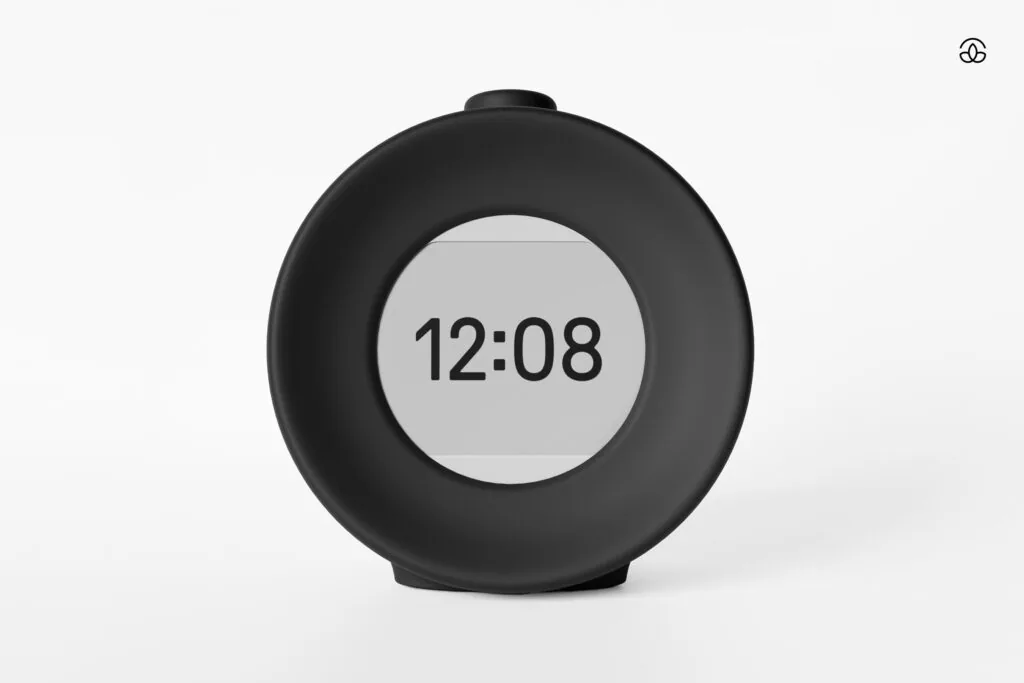
The panel is 600 x 480 across 2.84 inches, which works out at 270 DPI. That is high for a screen this size, and it is why the digits read as printed rather than rendered. Sixteen levels of grey, five selectable clock faces.
E Ink is reflective, so with the front light off the clock is genuinely invisible in a dark room. You have to tap it to read the time. This surprises almost everyone and it is not configurable away. If you want a clock you can glance at without moving, buy something else.
The front light is 2700 K rather than the 6500 K of a phone screen, which puts what little light it emits at the warm end where it interferes least with melatonin. At the lowest of its brightness levels it is legible without casting a shadow. I keep it on the plainest clock face, because the decorative faces shrink the digits and that defeats the point.
The honest weakness is refresh. A minute change is a quiet partial refresh, but a full refresh flashes the whole panel, and in a dark room that flash is more conspicuous than a dim glow would have been.
Sound
The 3.5 W speaker is better than the plastic enclosure suggests, and the sunflower-seed grille is the only piece of styling on the device. Seventeen wake melodies, all nature-derived, and the differences between them are real rather than cosmetic. Custom audio can be uploaded over USB if none suit.
The important design decision is that the alarm ramps in volume from quiet rather than starting at full level. For people who wake easily this is the single best thing about the clock.
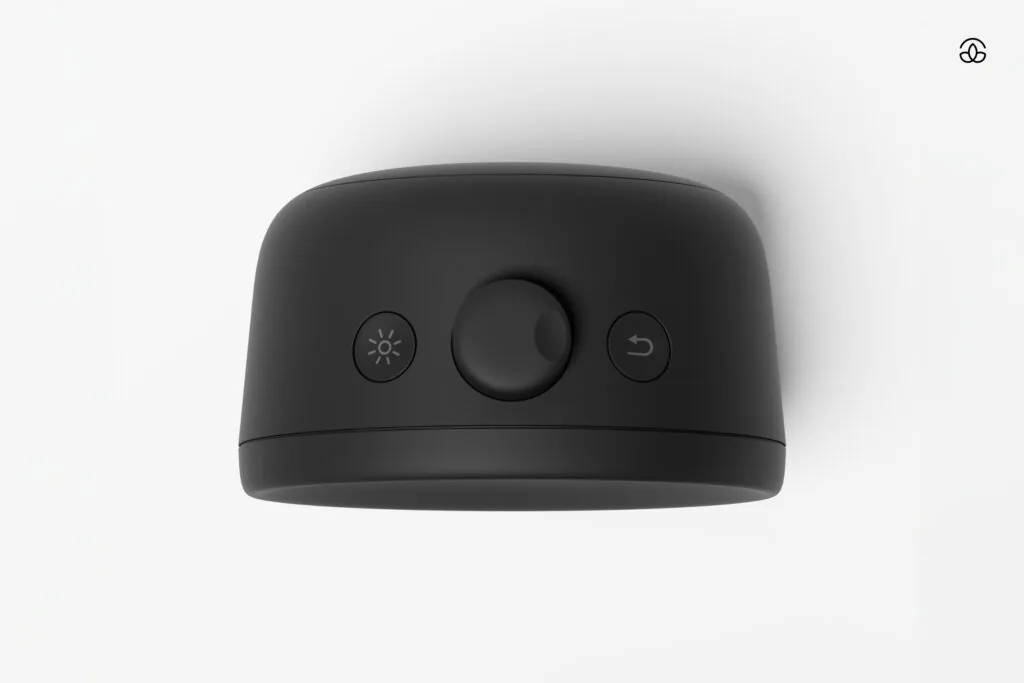
Beyond the alarm there is a meditation timer, a focus timer, a power nap mode, a bedtime reminder and a library of relaxation sounds. The focus timer is the one I reach for most and it has nothing to do with sleep: a physical Pomodoro timer that sits outside the machine I am trying to concentrate on is much harder to dismiss without noticing than one running in a browser tab.
Battery: 45 days is a ceiling
The cell is 2600 mAh, charging over USB-C in three to five hours. Mudita claims up to 45 days, and that figure assumes the front light stays off and the speaker is barely used. Run the light at a readable level, use the focus timer daily and play relaxation audio at night and the real number is a long way short.
The practical risk is not runtime, it is the charging pattern. A device you charge once a month is a device you will eventually forget to charge, and you have deliberately removed the backup alarm from the room. Charge it on a fixed day rather than waiting for the warning.
The part that matters if you are on call
Most people reading this carry a work phone that is enrolled, managed and expected to be answerable. The advice to leave the phone outside the bedroom collides head-on with being on call, and that is an administrative problem rather than a discipline problem.
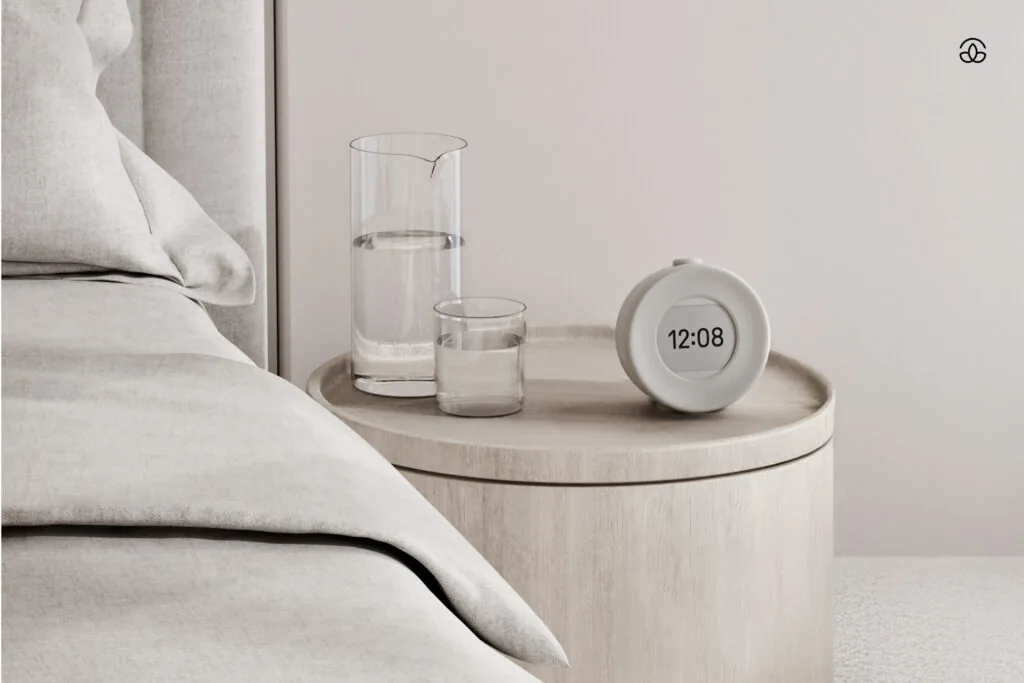
The clock is only half of the fix. The other half is a policy that stops the phone being the thing that wakes you. If your organisation runs Intune app protection policies, quiet time policies mute Outlook and Teams notifications on managed devices during defined non-working hours, either by day of the week or against the Working Time API for shift patterns.
The same sequencing shows up across endpoint work: get the policy right and the device behaves. It is why forcing an Intune sync so rarely fixes anything on its own, and why the diagnosis order for a device that is not syncing starts with policy. If you are still designing who can reach what and when, the identity half of that is in Conditional Access policy design.
The Mudita Harmony 2 against the original Harmony
The first Harmony had the same idea and less of it. The 2 adds the focus timer, a larger melody library, custom audio upload, more front light levels and extra clock faces, and reviewers have reported a larger battery. Those are refinements rather than a new capability. If you own the first one and it works, skip this. If you are buying now, buy the 2.
Where it wobbled
The full-panel refresh flash is rare but noticeable at night, and there is no setting to suppress it. Updates require a computer and a cable, which is the correct trade for having no radio, but it does mean firmware happens when you remember rather than automatically.
The third thing is not a fault but is the most common reason people send it back: the invisible-until-touched display. Fourteen days is not long to decide whether you can live with that, and it is exactly the window you get: Mudita’s money-back guarantee runs for 14 days from delivery, and return postage is at your cost.
Harmony 2, Bell 2 or a sunrise lamp
Mudita sells a cheaper clock alongside this one, the Bell 2, and the two answer different questions. Most people comparing them are really choosing how they want to be woken, so that is how the table is organised. Prices are from the Mudita store at the time of writing.
| Mudita Harmony 2 | Mudita Bell 2 | A typical sunrise lamp | |
|---|---|---|---|
| Price | $143.65 (list $169) | $67.15 (list $79) | Varies widely |
| How it wakes you | Gradual volume across 17 melodies, light optional | Gradual volume across 9 melodies, plus a warm light that brightens | Light that brightens over a set period, sound usually optional |
| Display | 2.84 inch E Ink, digital | Analog dial | Usually LED digits |
| Silent at night | Yes, nothing moves | Mudita notes the mechanism may be noticeable to sensitive sleepers | Usually |
| Alarm precision | To the minute | Up to 5 minutes of margin, by Mudita’s own description | To the minute |
| Battery | Up to 45 days | Up to 6 months | Mains powered |
| Beyond the alarm | Focus timer, meditation timer, power nap, bedtime reminder, relaxation sounds, custom audio | Meditation timer | Varies |
If being woken by light matters more to you than anything else, the Harmony 2 is the wrong clock and the Bell 2 is the cheaper right one. The Harmony 2 earns its extra $76 in three places: it is completely silent, it sets the alarm to the exact minute, and it has the focus timer, which is the feature I use most. If none of those three matter to you, buy the Bell 2 and keep the difference.
Who should buy it
Buy the Mudita Harmony 2 if the phone on your nightstand is a problem you have already identified and failed to solve with willpower, and if you can make the notification policy change that lets the phone genuinely leave the room. At that point 143 dollars buys a real behaviour change and the clock is cheap. It is on Mudita’s shop here.
Do not buy it if you need a clock you can read without touching, if you are a heavy sleeper relying on a single alarm, or if the work phone is going to stay on the nightstand regardless. In that last case it is an expensive ornament and a supermarket clock would have done.